Local SEO
Local SEO for Salons: A Google Maps Guide for Salons in India
Local SEO for salons in India: set up your Google Business Profile, services, booking link, photos and reviews the way Google's own rules recommend.
RankMonk Team · · 10 min read
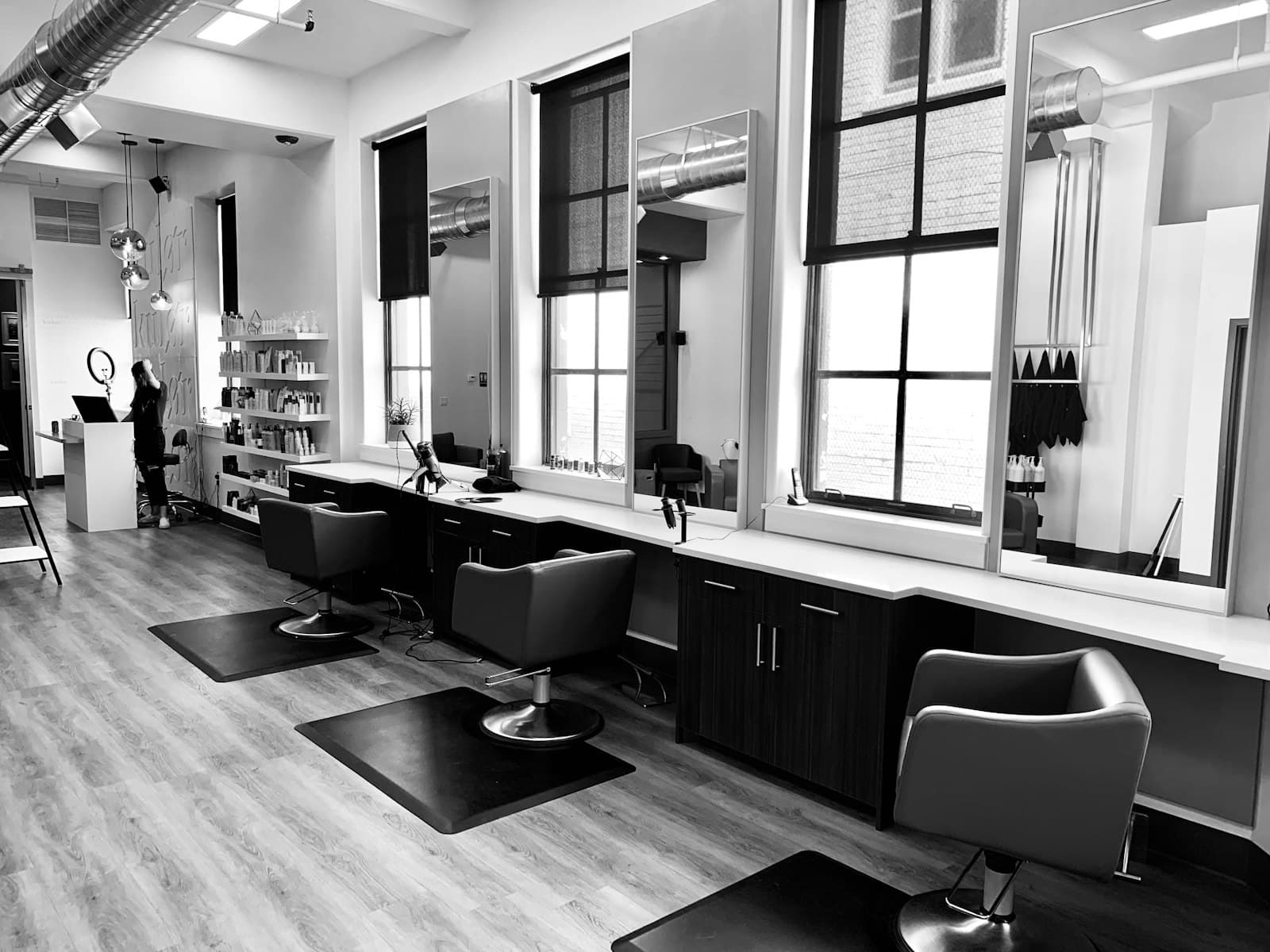
When someone in Koramangala types "salon near me" at 6 pm, the salons Google Maps shows at the top get the first look. Local SEO for salons is the work of making sure yours is one of them: a complete Google Business Profile, a clear list of services, a steady flow of genuine reviews, and accurate hours customers can trust. This guide walks through each step in the order that makes the most difference, with examples from Indian salons, spas and bridal studios.
Wedding season is a good reason to do this now. In our experience, from November onwards brides, families and guests start looking for bridal makeup, mehendi and hair styling weeks in advance, and a salon with a thin profile misses those bookings.
How local SEO for salons works on Google Maps
Google's own help page on improving your local ranking says local results are mainly based on three things:
- Relevance: how well your profile matches what someone searched for. A profile that clearly lists "keratin treatment" is a better match for that search than one that only says "salon".
- Distance: how far your salon is from the person searching. If they have not shared their location, Google estimates it.
- Prominence: how well known your business is. Google says reviews, ratings and links from other websites play a part, and that more reviews and positive ratings can help your local ranking.
Google also states that there is no way to request or pay for a better local ranking. So anyone who promises a guaranteed "top 3" spot for a fee is promising something Google itself rules out.
You cannot change your distance from a customer, but you control most of relevance and a good part of prominence. Everything below works on those two.
Step 1: Get your salon's name, address and hours right
Start with the basics, because errors here cost you customers and can put your profile at risk. Google's guidelines for representing your business set the rules:
- Use your real-world name. If your signboard says "Glow Studio", your profile should say "Glow Studio", not "Glow Studio Best Bridal Makeup Salon Indiranagar". Google says adding unnecessary information such as keywords or services to the name is not permitted and can lead to suspension.
- Use a precise address. Give the exact shop number, floor and building, for example "Shop 12, First Floor, Phoenix Marketcity, Kurla". If you are inside a mall, that detail helps customers find you.
- Set customer-facing hours. List the hours customers can actually walk in or book, not the hours staff are on site.
Keep festival and wedding season hours accurate
Diwali, Karva Chauth, Eid, Christmas and the wedding months are when salons change hours most, and when wrong hours hurt most. Google's special hours page explains how to set them: go to Edit profile, then Hours, then Special hours, choose the date and set the hours or mark it closed.
A few rules worth knowing:
- Google suggests confirming your hours for official holidays even if they do not change, so customers know they are accurate.
- Special hours cover closures of up to 6 days in a row. For 7 days or more, mark the business as temporarily closed instead.
- If you open at 5 am for bridal bookings on a big wedding date, add that as special hours for that day.
If you work from home or visit clients
Many bridal makeup artists and home-service beauticians do not have a salon customers can visit. Google treats these as service-area businesses: you keep one profile, hide your address and set the areas you serve. If you also have a studio customers visit, you can show the address and add a service area as well.
Step 2: Choose the most specific category
Your primary category tells Google what your business is. Google's help page on categories uses a salon as its own example: instead of "Salon", choose "Nail salon" if that is what you are.
Practical rules for salons:
- Pick the primary category that matches most of your business. A unisex hair studio in HSR Layout should pick the most specific hair-related category in the list, not a broad beauty one.
- Add a few additional categories only for real departments, for example a separate spa or nail section that customers come for on its own.
- Do not add a category for every service. Google says not to select a category for every product or service, and not to use categories just as keywords.
- You cannot create your own category. Search the list and pick the closest match.
Google notes that adding or changing a category may require you to verify your business again, so plan category changes rather than switching back and forth.
Categories also matter for features. Google's categories page says health and beauty businesses may be able to add a booking button and a list of services, depending on category.
Step 3: Build a services list and a booking link
The services section is where relevance is won. A customer searching "hair spa in Baner" or "bridal makeup in Andheri" is far more likely to find you if those services are written out on your profile.
According to Google's services help page, you can:
- Go to your Business Profile and select Edit services.
- Select suggested services that match your business, or choose Add custom service if yours is not listed.
- Add a description and price to each service if you want.
- Group services under categories and select Save.
Custom service names that break Google's rules are rejected automatically, so keep names plain: no phone numbers or prices in the name itself.
Here is what a useful services list can look like for a mid-sized salon:
| Service group | Example services | Detail to add |
|---|---|---|
| Hair | Haircut (women), haircut (men), global colour, keratin, hair spa | Starting price, time taken |
| Skin | Clean-up, facial, de-tan | Skin types it suits |
| Nails | Gel polish, nail extensions, nail art | Whether removal is included |
| Bridal | Bridal makeup, engagement makeup, saree draping, mehendi | Trial available, home visit or in-studio |
| Men's grooming | Beard styling, head massage | Time taken |
Write descriptions the way customers talk. "Keratin treatment for frizzy hair, takes about 3 hours, includes wash and blow-dry" is more useful than "premium keratin experience".
Add a booking link and keep it working
Salons live on appointments, so make booking easy from Maps. Google's page on local business links explains how:
- Go to your Business Profile.
- On Google Search, select Booking. On Google Maps, select Edit profile and then the booking option.
- Select Add link, enter your booking page URL and select Save.
Google allows up to 10 links per category. If you use a salon software or a WhatsApp booking page, check that the link opens correctly on a phone before you add it.
Google also notes that some booking links come from third-party providers and can appear on your profile automatically. If you see an old provider you no longer use, you can select Remove Provider from the Booking section. A broken or outdated booking link sends a ready customer away, so check it every month.
Step 4: Use photos and the business description to show what you do
People choose a salon with their eyes. Google's photo guidelines recommend exterior, interior, at-work and team photos, and set clear requirements:
- JPG or PNG, between 10 KB and 5 MB.
- Recommended resolution of 720 x 720 pixels, with a minimum of 250 x 250.
- In focus, well lit, and without heavy filters or AI edits. Google asks that photos represent reality.
For a salon, that means a clear shot of your entrance and signboard (so people find you inside a complex), your chairs and wash stations, your team at work, and real results such as a bridal look or nail set done in your studio. Ask clients before you post photos of them.
Then write your business description. Google's description guidelines allow up to 750 characters and ask you to focus on what you offer, what makes you different and how long you have been open. Do not include links, and keep the focus on your business rather than promotions or prices. A short example:
Glow Studio is a unisex salon in Sector 29, Gurgaon, open since 2016. We specialise in hair colour, keratin and bridal makeup, with a separate nail bar. Bridal trials are available by appointment, and our team speaks Hindi, Punjabi and English.
Step 5: How to get more salon reviews without breaking the rules
Reviews are both what customers read and part of prominence. The most useful part of local SEO for salons is often a simple, consistent habit of asking every client for a review.
Google lets you create a review link or QR code from your profile. According to its help page, go to your Business Profile, select Read reviews, then Get more reviews, and copy the link or save the QR code. The QR code can currently only be created from a computer browser, not on a phone.
Good places to use it in a salon:
- A printed QR card at the billing counter or on each mirror station.
- A WhatsApp message after the appointment: "Thanks for visiting Glow Studio today, Priya. If you have a minute, we would love your feedback on Google: [link]".
- In the e-bill or appointment confirmation.
What you must not do, according to Google's Maps user-contributed content policy:
- Offer discounts, free services or anything else in exchange for a review. "10% off your next visit for a review" breaks the rules.
- Ask only happy clients for reviews, or discourage negative ones. Ask everyone.
- Have staff, former staff or family post reviews, since these count as conflicts of interest.
- Set review quotas for staff or tell them to ask for reviews with specific content.
Reply to every review
Google's review guidance says replies should be short, polite and conversational, not promotional, and that you should avoid the same generic thank-you on every review. For a salon, mention the service ("Glad the balayage turned out the way you wanted, Neha"). For complaints, apologise where it is fair, avoid sharing private details, and invite the client to call so you can fix it. If replying to every review takes too long, AI review replies can draft them in your voice for you to approve.
Frequently asked questions
How long does local SEO take to work for a salon?
Google does not give a timeline. Fixing your categories, services and hours is a one-time job, though Google notes that a category change may require you to verify your business again. Reviews and photos build up over months, so treat them as a weekly habit rather than a project.
Can I add "best salon in Andheri" to my business name?
No. Google's guidelines say your name should match your real-world name, and adding keywords or locations that are not part of it is not permitted and can lead to suspension. Put your area and services in the services list and description instead.
Should each stylist have their own Business Profile?
Google's practitioner rules are written for public-facing professionals with their own customer base, such as doctors or lawyers, and they do not mention stylists. In our view, one profile for the salon is the right setup for most salons. Support staff should not create their own profiles.
How do I know if my salon ranks across my neighbourhood?
A single search from your own phone only shows your rank from where you are standing. Checking a grid of points around your salon shows where you appear and where competitors win. You can track your rank street by street to see this.
Where to start this week
Pick one hour this week and do the fixes in order: correct the name and hours, choose the most specific category, write out your top 15 services with prices, add a working booking link, then print a review QR card for the counter. After that, keep a weekly routine of adding real photos and replying to every review. For more ideas specific to your industry, see how RankMonk works for salons and wellness businesses, or contact us to see where your salon ranks today.
- Salons
- Google Maps
- Google Business Profile
- Reviews
See how your business shows up
RankMonk tracks your rank street by street, protects your Google Business Profile and shows whether AI assistants recommend you.
Book a demo →