Local SEO
Local SEO for Gyms: A Google Maps Guide for Gyms in India
Local SEO for gyms in India: set up your Google Business Profile, pick categories, add trainers, get reviews within the rules and track rank near your gym.
RankMonk Team · · 9 min read
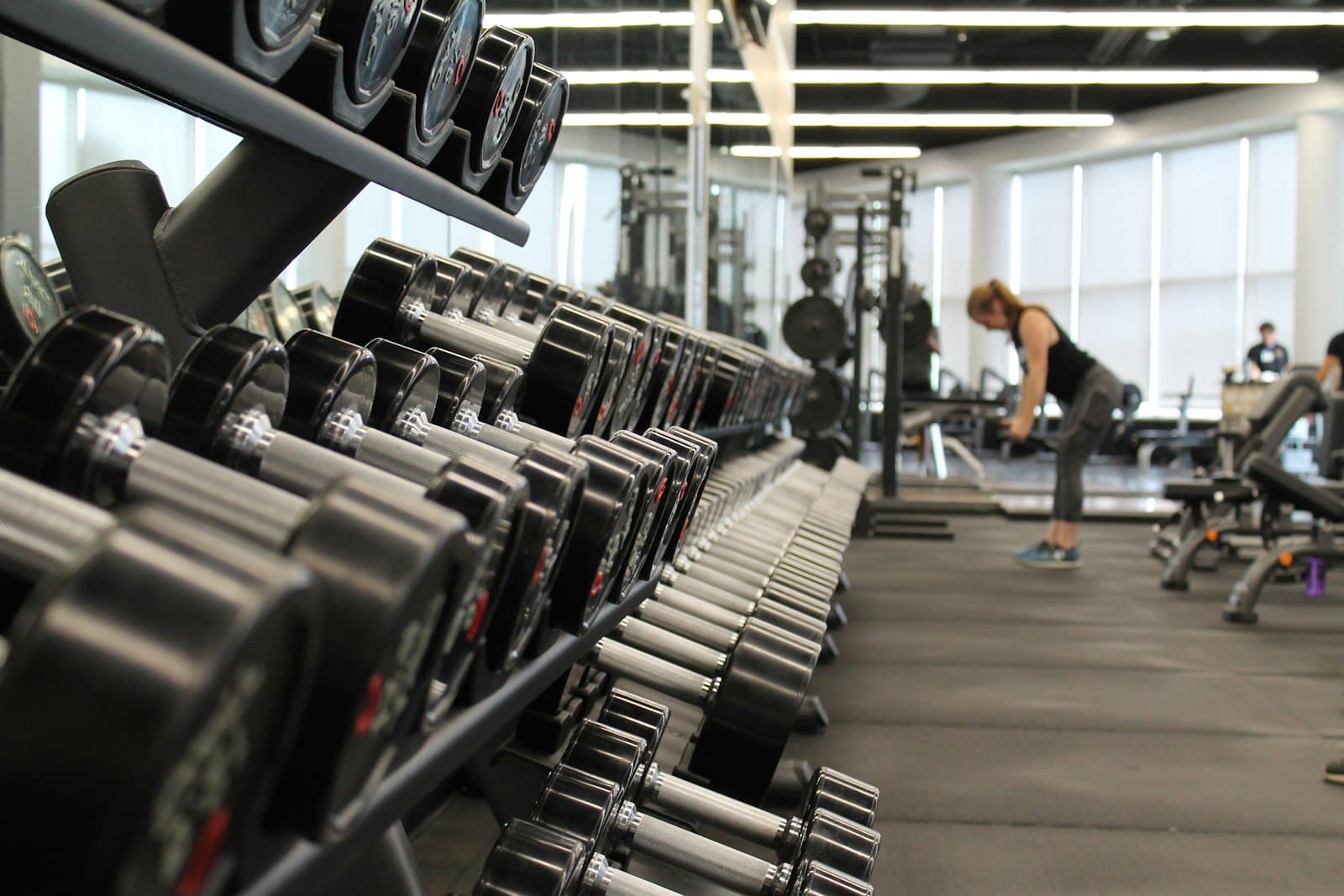
When someone in HSR Layout types "gym near me", Google Maps shows a short list of gyms, and most people visit one of those before they look any further. Local SEO for gyms is the work of getting into that short list for the people who live or work near you, and staying there through the January rush when everyone suddenly wants a membership.
This guide covers what Google says affects local results, how to set up a gym's Business Profile without breaking the rules, how to handle trainers and multiple branches, and how to get reviews the right way. Every rule here is checked against Google's own help pages, which are linked so you can confirm them yourself.
How Google decides which gyms show up for "gym near me"
Google's help article on how to improve your local ranking names three factors:
- Relevance: how well your profile matches what the person searched for. A profile that clearly says "gym" and lists strength training, CrossFit or Zumba matches more searches than one that says almost nothing.
- Distance: how far your gym is from the person searching. You cannot change this, which is why the same gym can rank first on one street and tenth a kilometre away.
- Prominence: how well known your business is. Google says this draws on things like links from other websites and your reviews.
Google also says plainly that there is no way to request or pay for a better local ranking.
What this means for a gym owner: you control relevance completely, prominence over time, and distance not at all. So the realistic goal is to win the searches within a reasonable radius of your gym, not the whole city.
Set up your gym's Google Business Profile correctly
Google says businesses with complete and accurate information are more likely to show up in local results. For a gym, start with these fields.
Business name
Use your real-world name, exactly as it appears on your signboard. Google's guidelines for representing your business say the name must not include marketing taglines, service descriptions, location details, phone numbers or hours.
- Allowed: "Iron House Fitness"
- Not allowed: "Iron House Fitness | Best Gym in Baner | CrossFit and Zumba"
The guidelines say including unnecessary information in your business name isn't permitted, so a keyword-stuffed name puts your profile at risk.
Categories
Google asks you to choose the fewest categories it takes to describe your core business, and to focus on the most specific ones. Categories should describe what your business is, not every amenity it has. A gym with a steam room is still a gym; the steam room belongs in your description or services, not your categories.
Search the category list inside your profile and pick the primary category that matches most of your revenue. A dedicated yoga studio, a boxing gym and a general strength gym should not all pick the same primary category. If you run a gym and a separate business at the same address, such as a physiotherapy clinic that has its own name and counter, Google's guidelines explain when a distinct department can have its own profile.
Address and hours
Use your precise address. Google does not accept virtual offices or P.O. boxes as a business location, and it asks for one profile per location.
Enter your regular customer-facing hours. Gyms often have split timings (say 5:30 am to 11 am and 4 pm to 10 pm), so add both slots for each day rather than one long block that suggests you are open at 2 pm. If you run a separate ladies' batch or personal training slots at different times, Google points to "More hours" for service-specific hours instead of changing your main hours.
Services
Google lets businesses in some categories list services, and you can add custom services if yours are not suggested. List what people actually search for: personal training, weight loss programme, strength training, CrossFit, Zumba, yoga, functional training. Google's services help page says custom service names should not include prices or phone numbers, and that custom services which violate policy are rejected automatically.
Photos that help members choose your gym
People want to see the floor before they visit. Google's photo tips describe exterior, interior, team and at-work photos, and each matters for a gym:
- Exterior: the entrance and signboard from the road, so a first-time visitor in a busy market like Andheri West finds the right door.
- Interior: the free weights area, cardio row, functional zone and changing rooms, in daylight, without filters.
- Team: your trainers, ideally in uniform on the floor. This shows the personal side of the gym, which Google's tips call out.
- At work: a group class in progress or a trainer correcting form (with members' permission).
The technical requirements on Google's page: JPG or PNG, between 10 KB and 5 MB, recommended 720 x 720 pixels, minimum 250 x 250 pixels.
A practical habit: add a few new photos when you bring in new equipment or start a new batch, so the profile reflects what a visitor will actually see.
Personal trainers and Business Profiles
Many gyms ask whether each trainer should have their own profile. Google's guidelines treat an individual practitioner as a public-facing professional, typically with their own customer base. Support staff should not create their own Business Profiles, and a practitioner should not have multiple profiles to cover different specialisations.
For most Indian gyms, trainers are employees who serve the gym's members, so the gym's single profile is the right place for them. Put their names and specialisations in your team photos, on your website and in your services. If a well-known trainer runs their own client base independently from your premises, read the practitioner section of Google's guidelines before either of you creates a separate profile.
How to get more Google reviews for a gym
Google says more reviews and positive ratings can help your local ranking. Gyms have an advantage here: members come back several times a week, so there are plenty of natural moments to ask.
Get your review link or QR code
Google's review link help page gives the steps:
- Open your Business Profile.
- Select Read reviews, then Get more reviews.
- Copy the link, or save the QR code by right-clicking it and choosing "Save image as".
Google notes that review QR codes can currently be generated only on a computer browser, not on mobile.
When to ask
- After a member completes their first month, when they have a real opinion.
- After a fitness assessment or body composition check shows progress.
- In the WhatsApp message you already send when a membership is renewed.
What not to do
Google's Maps content policy prohibits:
- Offering incentives such as discounts, free sessions, free merchandise or extra membership days for a review.
- Asking only happy members while discouraging unhappy ones from reviewing (often called review gating).
- Reviews based on a conflict of interest, which includes current or former employment. Your trainers and front-desk staff should not review the gym.
- Pressuring members to leave reviews on the premises or asking for specific content.
So "Review us and get one week free" on the reception board breaks the policy. "If you have a minute, we'd value your honest review" with a QR code does not.
Reply to reviews
Google's help article on getting more reviews recommends replying to negative reviews in a timely manner and using replies where you can share a useful update or answer a question. For a gym, the common complaints are crowding at peak hours, equipment out of order and cancellation terms. A specific reply ("The second cable machine has been repaired, and we now run a 7 am strength batch to ease the 6 to 8 pm rush") does more than a generic apology. If you manage many reviews, AI review replies and sentiment tracking can help you spot which complaint keeps coming up.
Keep hours accurate for festivals and the January rush
Members check Google before they leave home. If your profile says open on Diwali morning and the shutter is down, you lose trust and maybe a review.
Google's special hours guide says you can set temporary hours for holidays or events without changing your regular hours:
- Open your Business Profile and select Edit profile, then Hours.
- Next to Special hours, select Edit.
- Pick the date, enter the hours or tick Closed, and save.
A few rules from the same page that catch gyms out:
- Special hours only show if your business is set to "Open with main hours".
- Special hours replace that whole day's regular hours, so enter both your morning and evening slots.
- A set of special hours can't run past 24 hours; split late-night hours at midnight.
- If you will be closed for 7 or more days, for example during a renovation, mark the business as temporarily closed instead.
In our experience, many gyms in India see more enquiries in January as New Year plans kick in. Use November and December to finish your profile, add fresh photos and collect reviews, so the profile is already in good shape when the searches arrive.
Track local SEO for gyms street by street
A single rank check from your front desk tells you little, because Google ranks by distance from the searcher. A gym in Koramangala might be first in the 5th Block and invisible in 1st Block, where a competitor sits closer.
A geo-grid checks your position from many points around the gym. That shows where you lose members to a rival and whether a change, like better categories or more reviews, actually helped. You can track your rank street by street for searches like "gym near me", "gym in Whitefield" and "personal trainer near me", and compare against the gyms around you.
Watch these numbers each month:
| Metric | Why it matters for a gym |
|---|---|
| Rank across the grid for 3 to 5 key searches | Shows where you are visible, not just at your door |
| Calls and direction requests from the profile | Closer to real walk-ins than views |
| New reviews this month and average rating | Feeds prominence and member trust |
| Website clicks to your membership or trial page | Shows whether the profile sends people to sign up |
Frequently asked questions
Can I add "best gym in Pune" to my Business Profile name?
No. Google's guidelines say the name should reflect your real-world business name and must not include service descriptions, location details or marketing taglines. Put services and area names in your description, services and website instead.
Can I give a free session to members who leave a review?
No. Google's Maps content policy treats discounts, free goods or free services in exchange for reviews as fake engagement, and that content can be removed. Ask every member honestly, with no reward attached.
Should each branch of my gym chain have its own profile?
Each physical location that serves members in person can have one profile, and Google says not to create more than one profile per location. Use the same brand name format across branches, matching the signboard at each one.
How long does local SEO for gyms take to work?
Google does not give a timeline. Corrections to name, categories and hours can show up once Google accepts the edit, while reviews and prominence build over months. Track your grid monthly so you can see the trend rather than guess.
Wrap-up
Most of local SEO for gyms comes down to a few things done well: an honest name, the right primary category, accurate split hours, real photos of the floor, a steady stream of genuine reviews and replies that show you fix problems. Do these before the January rush and keep checking your visibility across the neighbourhood, not just at your door. If you run a fitness brand and want to see where you rank around each branch, look at how RankMonk works for gyms and fitness studios or book a demo.
- Local SEO
- Gyms
- Google Maps
- Fitness
See how your business shows up
RankMonk tracks your rank street by street, protects your Google Business Profile and shows whether AI assistants recommend you.
Book a demo →