Local SEO
Local SEO for Restaurants: A Practical Google Maps Guide
Local SEO for restaurants, step by step: set up your Google Business Profile, menu, hours, photos and reviews the way Google's own help pages recommend.
RankMonk Team · · 10 min read
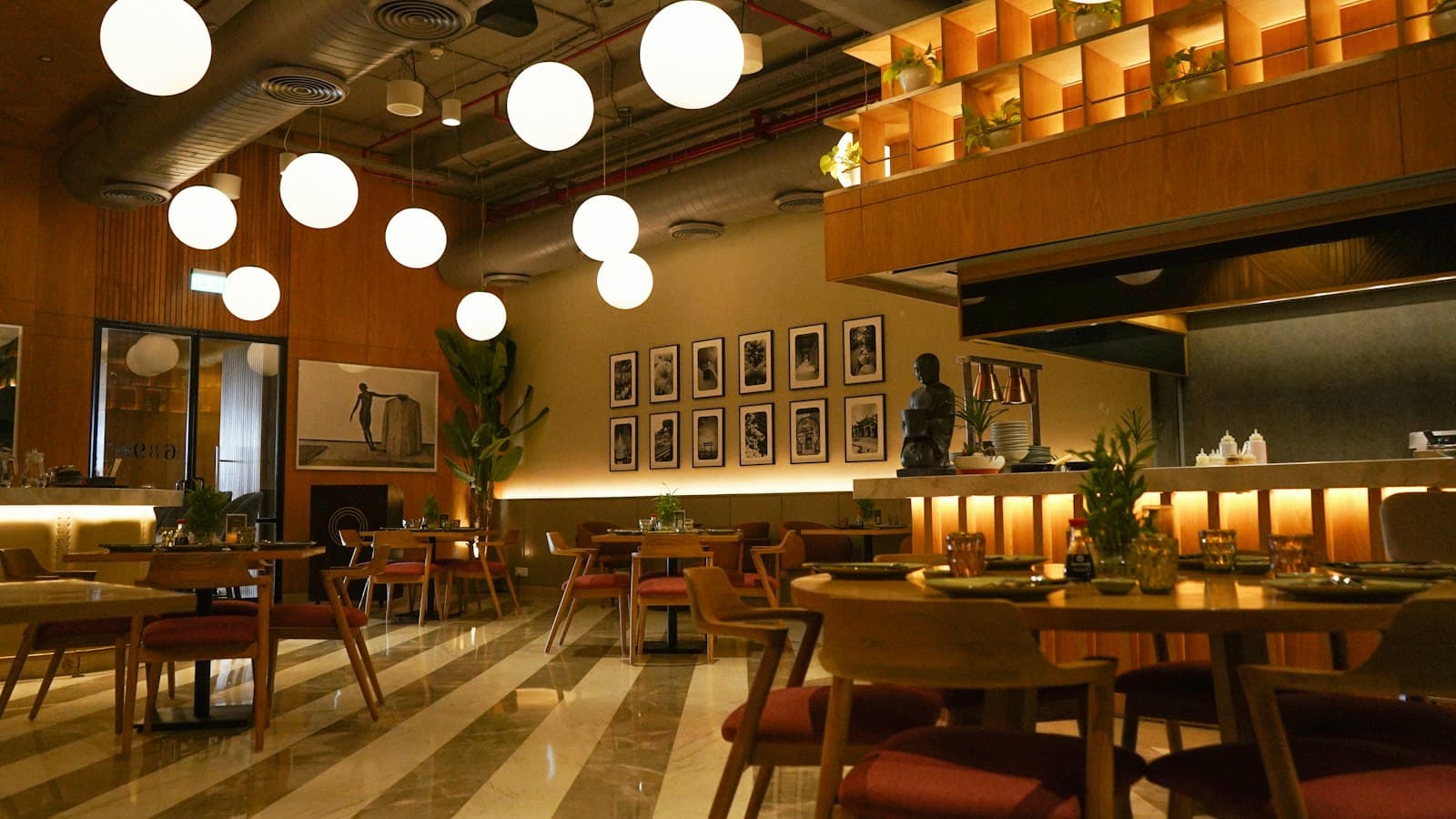
When someone in Koramangala types "biryani near me" at 9 pm, Google shows a map with a handful of restaurants at the top. Those few get most of the calls and direction requests, and everyone else gets scrolled past. Local SEO for restaurants is the work of making sure your outlet is one of them, for the dishes you actually sell, in the area you actually serve.
This guide walks through it in order, based on Google's own help pages, for owners of single outlets, cafés, cloud kitchens and small chains.
How local SEO for restaurants works on Google
Google's own help article on improving your local ranking names three things that decide local results:
- Relevance: how well your Business Profile matches what someone searched for. A profile that clearly says "Hyderabadi biryani" matches "biryani near me" better than one that only says "restaurant".
- Distance: how far your restaurant is from the person searching.
- Prominence: how well known your business is. Google says more reviews and positive ratings can help your local ranking.
The same page says there is no way to request or pay for a better local ranking. So ignore anyone selling a "guaranteed top 3 on Maps". You cannot change your distance from a customer, which leaves relevance and prominence as the two things you work on.
Step 1: Get your Business Profile basics right
Google has a dedicated guide, Get started with a Business Profile for your restaurant, which is worth bookmarking. The basics come first.
Use your real name, with no keywords
Google's guidelines for representing your business say your name should reflect your real-world name, as it appears on your signboard and branding. Adding marketing taglines, location details or other unnecessary information to the name is not permitted.
So "Raju's Kitchen" is fine. "Raju's Kitchen Best Biryani Restaurant Koramangala" is not. In our experience, keyword-stuffed names are one of the most common rule breaks on restaurant profiles.
Pick specific categories
The same guidelines ask you to choose the fewest categories that describe your core business, and to make them as specific as possible. If you are a South Indian vegetarian restaurant, a specific category like "South Indian restaurant" says far more than "Restaurant". Add a secondary category only if it describes a real, significant part of the business, such as "Caterer" if catering is a genuine service you sell.
Cloud kitchens follow different rules
If you run a delivery-only brand from a shared kitchen, read the virtual brands section of the guidelines before you create a profile. Google allows delivery-only brands only if they have distinct branded packaging and a distinct website. They must add service areas and hide their address. Several virtual brands at one address face extra verification steps.
Step 2: Set every kind of hours, not just opening time
Wrong hours lose you customers. Someone who drives to your Baner outlet and finds the shutter down will not come back, and may leave a one-star review.
Google gives you three layers of hours:
- Regular hours: your normal customer-facing schedule. The guidelines ask you to list the hours you are actually open to customers.
- More hours: separate timings for specific services. Google's hours help page lists types such as delivery, takeout, drive-through, pickup and happy hours. Go to Edit profile > Hours > Add more hours, pick a type, set the days and times, and save. More hours only show once regular hours are set, and they should fall inside your main hours.
- Special hours: for festivals and one-off changes. Google's special hours page says these are for temporary changes or closures of up to 6 days in a row, and they leave your regular hours untouched.
A practical example: a café in Indiranagar that opens 8 am to 11 pm, serves breakfast until noon and stops delivery at 10.30 pm should show all of that. Set regular hours of 8 am to 11 pm, then add delivery hours that end at 10.30 pm.
Google also suggests confirming your hours for official holidays even when they are the same as usual, because it tells customers your hours are accurate. Before Diwali, Eid, Christmas or a local festival, add special hours for each date, even if you are open as normal.
Step 3: Put your menu on Google properly
Your menu is how Google and diners learn what you serve, which feeds directly into relevance. Google's menu editor help page describes three ways to add one, and you can use more than one.
| Option | Where to find it | Best for |
|---|---|---|
| Menu editor | Business Profile > Edit menu | A full menu with sections, dishes, descriptions and prices |
| Menu photos or PDF | Edit menu > Photos of menu | Showing your printed menu as diners see it |
| Menu link | Edit profile > Business information > Contact > Menu link | Pointing to the menu on your own website |
To build a menu in the editor:
- Go to your Business Profile and select Edit menu.
- Choose Add menu section (for example "Starters", "Biryani", "Desserts") or Add menu item.
- Enter the dish name, description and price, then select Save.
Google says changes can take 24 to 48 hours to show on Maps and Search. The menu editor is available to food and drink businesses. If you run several outlets and want to update menus across many profiles at once, Google says you must use the Business Profile API.
Write dish names the way your customers say them. "Chicken 65", "Ghee roast dosa" and "Mutton dum biryani" are what people search for. A description such as "boneless chicken, deep fried with curry leaves and green chilli" helps someone decide, and it gives Google more context about what you serve.
Check your popular dishes
Google Maps can show popular dish photos and names, which come from both owners and customers. Google's popular dishes page says dish names added by you take precedence over names added by customers. You can add a dish from the Menu section of your profile, and you can fix a wrong name in the Google Maps app with Suggest an edit, choosing options such as "Edit dish name" or "Dish not served here". Google aims to publish edits within a few days but does not guarantee it.
Check this monthly: a mislabelled customer photo or a dish you dropped last year misleads diners.
Step 4: Ordering, attributes and photos
Food ordering. Google's food ordering help page explains that delivery providers who say they have an authorised relationship with your business are listed automatically. From Food ordering on your profile you can set a preferred provider for pickup and delivery, add your own ordering link, or remove a provider. Google says providers must remove links within 5 business days of your request. If you take direct orders on your own website, add that link too.
Reservations. If you take table bookings through a supported scheduling provider, you can manage bookings and waitlists on Google. Check the restaurant guide linked above for the current list of providers.
Attributes. Attributes are details such as outdoor seating, Wi-Fi, wheelchair-accessible entrance and payment options. Google's attributes page says you set some yourself under Edit profile > More, while others may be filled in from what customers who visit tell Google. Some attributes are only available in certain countries or categories, and Google says a review of your edits usually takes about 10 minutes but can take up to 30 days. Fill in everything that is true for your outlet.
Photos. Google's photo guidelines ask for JPG or PNG files between 10 KB and 5 MB, with a recommended size of 720 by 720 pixels. Photos should be in focus, well lit and free of heavy filters or major edits, because the image should represent reality. Videos can be up to 30 seconds long.
A simple shot list for a restaurant:
- Exterior in daylight and at night, so people can spot your signboard from the road.
- Interior showing seating, so families know if there is room for eight.
- Your top 5 to 10 dishes, plated the way you actually serve them.
- Menu photos of the current printed menu.
Replace photos when you renovate or change your menu.
Step 5: Get more reviews and reply to them
Reviews feed prominence, and diners read them before choosing. Many restaurants break Google's review rules without realising it.
Google's prohibited and restricted content policy says businesses must not offer incentives such as payment, discounts or free goods in exchange for a review. That means "Show us your 5-star review and get a free gulab jamun" is not allowed. Google removes reviews posted because of an incentive. The policy also forbids discouraging negative reviews or selectively asking only happy customers, and it counts reviews from current or former employees as a conflict of interest.
What you can do is ask every customer for honest feedback, in ways that are easy:
- Put a QR code linking to your review page on the bill folder or table tent, with a plain line like "Tell us how we did on Google".
- Add the review link to your WhatsApp order confirmation for direct orders.
- Have the manager ask regulars personally, with no conditions attached.
The policy also says businesses should not require staff to collect a set number of reviews, so do not give your servers review targets.
Reply to reviews, especially the bad ones
Google's review reply tips ask you to keep replies short, polite and specific, avoid promotional offers in replies, protect the reviewer's privacy, apologise when it is appropriate and respond in a timely way.
A sample reply to a complaint about slow delivery:
Hi Ankit, sorry your order took over an hour on Saturday. We were short of riders that evening and should have told you up front. We have added a delay message on our ordering page for busy nights. If you call us at the outlet, we would like to make it right. Ravi, Manager
If you get dozens of reviews a week across outlets, tools for AI-drafted review replies and sentiment tracking save time and help you see recurring complaints like cold food or rude delivery staff.
Frequently asked questions
Do Zomato and Swiggy listings help my Google ranking?
Google does not publish a list of websites that affect local ranking, so nobody can promise that. As general good practice, keep your name, address, phone number and hours identical on Zomato, Swiggy, your website and Google, so customers never see conflicting details.
Can I add "best biryani in Hyderabad" to my business name?
No. Google's guidelines do not allow marketing taglines, location details or other unnecessary information in the business name. Put descriptive detail in your categories, menu, description and attributes instead.
How long does it take for menu changes to appear on Google?
Google says menu editor changes can take 24 to 48 hours to appear on Maps and Search.
Should a cloud kitchen have a Google Business Profile?
It can, if it meets Google's rules for delivery-only brands: distinct branded packaging, a distinct website, service areas set, and the address hidden.
Track results and keep it current
Google's performance help page shows metrics such as the searches people used to find you, calls, direction requests, website clicks, menu clicks and, if you use a booking provider, bookings. Check these monthly. If menu clicks are high but calls are low, your phone number or hours may be wrong. If searches show people looking for "veg thali" and you serve one, make sure it is on your menu by that name.
Performance data does not tell you where you rank on each street around your outlet. A biryani place on Old Airport Road might rank first for people in its own lane and not appear at all for people one kilometre away. A geo-grid rank tracker shows your Maps position across a grid of points around the outlet, so you can see where you are visible and where you are not.
Local SEO for restaurants is mostly about keeping Google's picture of you complete and true: a real name, specific categories, every type of hours, a full menu with dishes named the way people search, current photos and a steady flow of honest reviews with thoughtful replies. Do the setup once, then spend 30 minutes a month checking hours, dishes, photos and new reviews. For more on how this works across outlets and cloud kitchens, see our page on local SEO for restaurants and QSR brands.
If you want to see where your outlet shows up on Google Maps street by street, talk to the RankMonk team.
- restaurants
- google business profile
- google maps
- menus
See how your business shows up
RankMonk tracks your rank street by street, protects your Google Business Profile and shows whether AI assistants recommend you.
Book a demo →