Local SEO
Local SEO for Dentists: A Google Maps Guide for Clinics in India
Local SEO for dentists in India: set up your clinic's Google Business Profile, get more patient reviews within Google's rules and track rankings by area.
RankMonk Team · · 10 min read
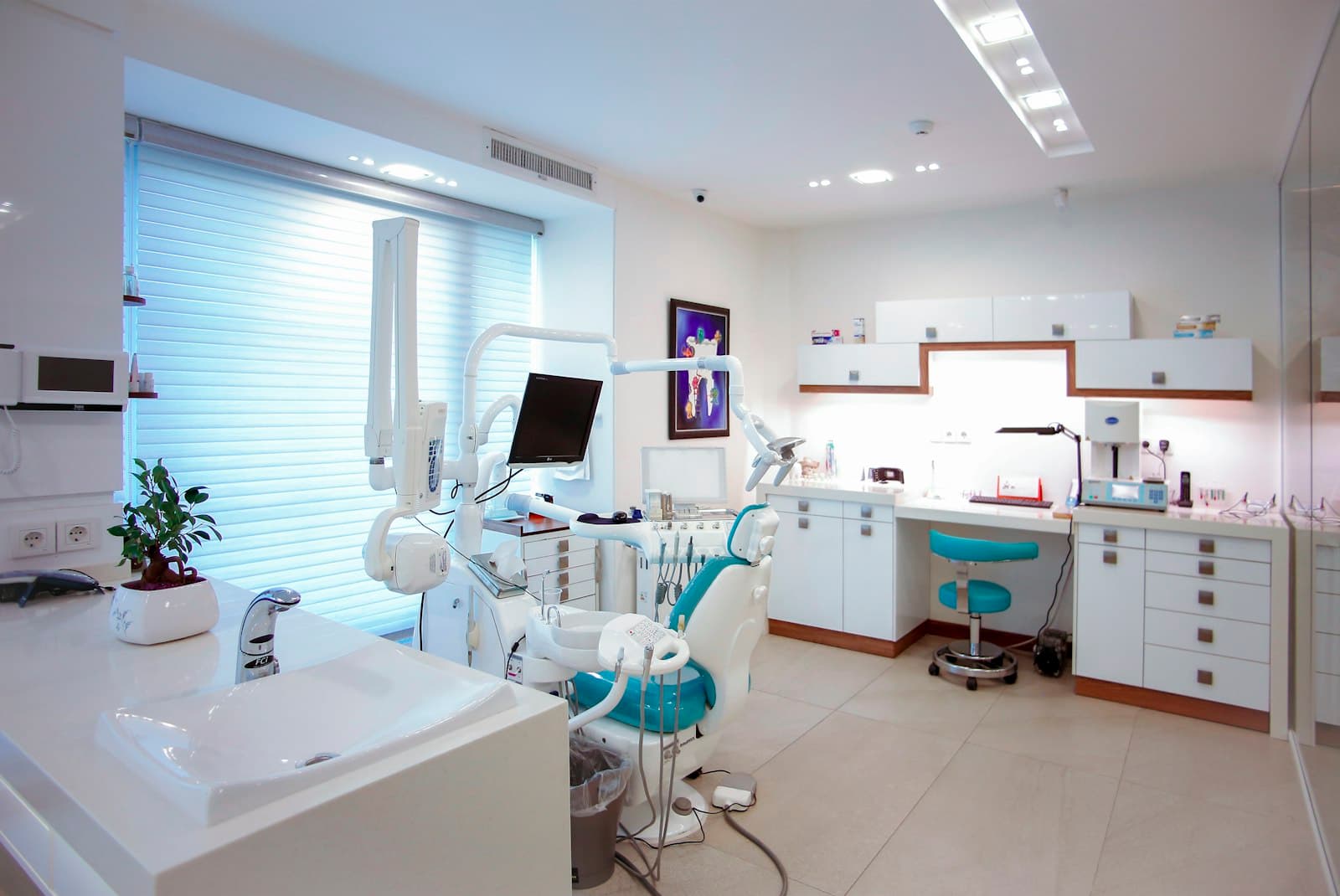
Most new patients find a dentist the same way: they search "dentist near me" or "root canal in Indiranagar" on their phone and pick from the three or four clinics Google Maps shows first. Local SEO for dentists is the work of getting your clinic into that short list for the searches that matter, in the streets your patients actually come from. This guide covers what Google says decides those results, how to set up your Business Profile correctly as a clinic or an individual dentist, and a weekly routine you can run without an agency.
How Google decides which dental clinics show up
Google's own help article on how local results are ranked names three main factors:
- Relevance: how well your Business Profile matches what someone searched for. A profile that clearly says you are a dental clinic, lists implants and braces as services and has complete details is easier for Google to match to "dental implants near me".
- Distance: how far your clinic is from the person searching, or from the location they named in the search.
- Prominence: how well known your clinic is. Google says this draws on information such as how many websites link to you and how many reviews you have, and that more reviews and positive ratings can help your local ranking.
Two more points from the same page are worth remembering. Google says businesses with complete and accurate information are more likely to show up in local results. And there is no way to request or pay for a better local ranking. Anyone who promises a guaranteed "number one on Maps" is promising something Google itself rules out.
You cannot change distance, so the job is to be as relevant and as prominent as possible for the area around your clinic.
Clinic profile or doctor profile? Get the structure right first
Dental practices in India come in several shapes: a solo dentist with one chair, a multi-chair clinic with visiting specialists, a branded chain with branches across a city. Google's guidelines for representing your business treat dentists as "individual practitioners", and the rules depend on your setup.
| Your situation | What Google's guidelines say |
|---|---|
| Clinic with several dentists | The clinic should have its own profile. Each public-facing dentist may have a separate profile, named with only the dentist's name. |
| Solo dentist working under a clinic brand | Share one profile, named in the format "[brand]: [practitioner name]". |
| One dentist with several specialisations | Do not create several profiles to cover each specialisation. |
| Support staff (assistants, receptionists) | Should not create their own Business Profiles. |
Two more rules catch dental clinics often:
- Your business name must be your real-world name, as it appears on your signboard, website and stationery. Adding services or locations ("Smile Care Dental Clinic Best Root Canal Implants Koramangala") is not allowed. The guidelines list service and location details among the things you must not add to a name.
- One profile per location. Google says not to create more than one page for each location, whether in one account or several. If you find an old duplicate created by a former manager, deal with it rather than running two.
Getting this right matters because a profile that breaks the guidelines can be suspended, and fixing that takes far longer than setting things up properly once.
Set up your Google Business Profile for dental searches
Once the structure is right, work through the profile field by field. This is where most of your relevance comes from.
Choose the right categories
Your primary category should describe what your clinic is. Google's help on editing your Business Profile says to choose a specific category for your main business, and that you can add up to 9 more. It also warns against using categories only as keywords or to describe features.
For a general practice, the primary category will usually be a broad dental one such as "Dentist" or "Dental clinic". Add more specific ones only when they describe real work done at that location, for example an orthodontist category if you have an orthodontist who treats patients there. Type into the category box to see what Google offers, since the list can change.
Add your services
On the services section of your profile, select the services Google suggests for your category and create custom ones for anything missing. For an Indian clinic this might include:
- Root canal treatment
- Dental implants
- Braces and clear aligners
- Teeth whitening
- Wisdom tooth extraction
- Kids' dentistry
Google says custom service names must not include prices, phone numbers, personal information or gibberish, and that services breaking policy are rejected automatically. You can add a description and price to each service separately.
Fill in the basics accurately
Check your address and map pin, phone number, website and hours. If your clinic closes on Sunday afternoons or runs evening slots for working patients, show it. Patients who arrive to a locked door are likely to leave an unhappy review, and Google's ranking page specifically ties accurate information to showing up in results.
Add real photos
Google's photo guidelines ask for JPG or PNG files between 10 KB and 5 MB, recommend 720 x 720 pixels, and say photos should be in focus, well lit and not heavily filtered. Google notes that an exterior photo helps customers recognise your business when they visit. For a dental clinic, useful photos include the building and signboard from the street, the reception area, a clean treatment room and your team. Avoid photos where patients can be identified unless they have clearly agreed.
How to get more reviews from patients the right way
Reviews feed prominence, and they are also what a nervous patient reads before booking. Google's help on getting reviews says you can ask customers to leave a review through a Google link or QR code, that reviews must reflect a genuine experience, and that offering free or discounted services in exchange for reviews is strictly prohibited.
Google's Maps content policy adds two rules that trip up clinics:
- You must not selectively ask only happy patients for reviews, or discourage negative ones. This practice is often called "review gating".
- Reviews based on a conflict of interest, such as those written by current or former staff, are not allowed. Do not ask your assistants or family to post reviews.
A simple, compliant routine for a clinic:
- Print your review QR code and place it at the reception desk, not hidden away.
- After a completed treatment, the front desk says one line to every patient: "If you have a minute, we would really value a Google review. Here is the link."
- Send the same link in your appointment follow-up message on WhatsApp or SMS to every patient, not only the ones who seemed pleased.
- Never offer a free cleaning, a discount or a gift in return.
Ask after treatments that have a clear end, such as a completed root canal or a cleaning, rather than in the middle of a long braces course when the patient may not yet have a view.
Replying to patient reviews without breaking confidentiality
Google's help on managing reviews says helpful and positive replies show you are responsive to customers. For a dentist, there is one extra rule of thumb: never confirm details of anyone's treatment in a public reply. The Maps content policy also prohibits posting personal information without consent.
Compare these two replies to a one-star review that says "Waited 50 minutes past my appointment time":
Avoid: "Mr Sharma, you came in late for your RCT on the 12th and Dr Rao had an emergency extraction before you."
Better: "Thank you for telling us, and we are sorry about the wait. Running late is not acceptable and we are reviewing how we schedule appointments. Please call the clinic on the number on our profile so we can look into this with you."
The second reply apologises, says what you are doing and moves the conversation offline, without revealing whether this person was a patient or what treatment they had. If writing replies for every review takes too long, AI review replies and sentiment tracking can draft them in your clinic's tone for you to approve, and group feedback by theme so you can spot repeated complaints such as waiting times.
Make your clinic website support your profile
Your Business Profile and website work together. Google's ranking page says links from other websites count towards prominence, and your website is the one place you control fully.
- One page per treatment. A page for "Dental implants" that explains the procedure, who it suits and what a consultation involves gives Google and patients more to work with than a single list of services.
- One page per branch if you have more than one clinic, each with its own address, phone number, hours, map and doctors. Link each Business Profile to its own branch page rather than the homepage.
- Doctor pages with qualifications and registration details, which many patients check before choosing a dentist.
- Consistent details. Use the same clinic name, address and phone number on your website, profile and listings such as Practo or Justdial, so nobody is confused about which clinic is which.
- Structured data. Google's local business structured data guide asks you to use the most specific LocalBusiness type possible. Schema.org has a Dentist type that fits a dental clinic. Google lists name and address as required properties, and phone, opening hours, URL and coordinates as recommended ones.
Track your rankings street by street
A single rank check from your clinic's front door tells you little. A patient two kilometres away in a different neighbourhood may see a completely different list, because distance is one of Google's three ranking factors.
Say your clinic is in HSR Layout in Bengaluru. You might appear in the top three for "dentist near me" within a few hundred metres, drop to eighth near Koramangala, and not appear at all across Outer Ring Road. A geo-grid check shows this pattern by searching from many points around your clinic. With street-by-street rank tracking you can see which areas you win, which ones a competitor holds, and whether a change you made actually moved anything.
Track a short list of searches that bring paying patients, for example:
- dentist near me
- dental clinic in [your area]
- root canal treatment near me
- braces / aligners in [your city]
- dental implants in [your area]
Then look at the business side as well: calls, direction requests and website clicks from your profile. For more on clinics, multi-specialty practices and hospitals, see our page on local search for healthcare.
Frequently asked questions
Should each dentist in my clinic have a separate Google profile?
Google's guidelines allow a public-facing dentist in a clinic with several practitioners to have their own profile, named with only their name, alongside the clinic's profile. Support staff should not have profiles, and one dentist should not create several profiles for different specialisations.
Can I add "best dentist" or my area name to my clinic's Google name?
No. Your Business Profile name should match your real-world name as used on your signboard and stationery. Google's guidelines say adding service or location details to the name is not allowed.
Can I give a discount to patients who leave a review?
No. Google prohibits offering free or discounted services in exchange for reviews, and also forbids asking only satisfied patients. Ask every patient in the same way and let them decide.
How long does local SEO take for a dental clinic?
Google does not give a timeline, and results depend on how competitive your area is and how complete your profile already is. Fixing structure and profile details is quick; building reviews and website content is ongoing work. Track your rankings before you start so you can measure the change.
Local SEO for dentists: your weekly routine
Local SEO for a dental clinic is not a one-time project. Once your profile structure, categories and services are right, a short weekly habit keeps you visible: ask every patient for a review in the same way, reply to every new review without revealing treatment details, keep hours and photos current, and check your rankings in the neighbourhoods your patients come from. Do this consistently and you give Google every honest reason to show your clinic. If you want to see where your clinic ranks across your area today, book a RankMonk demo.
- Local SEO
- Healthcare
- Google Business Profile
- Reviews
See how your business shows up
RankMonk tracks your rank street by street, protects your Google Business Profile and shows whether AI assistants recommend you.
Book a demo →